Google Drive
 OneDrive
Below we show how to combine an even pages file and an odd pages file into one PDF, achieving proper order.
上傳您的文件
文件通過加密連接安全上傳. 文件保持安全. 處理後,它們將被永久刪除.
不想上傳您的文件並離線處理它們?
Try Sejda Desktop. 與在線服務功能相同,且文件永遠不會離開您的計算機.
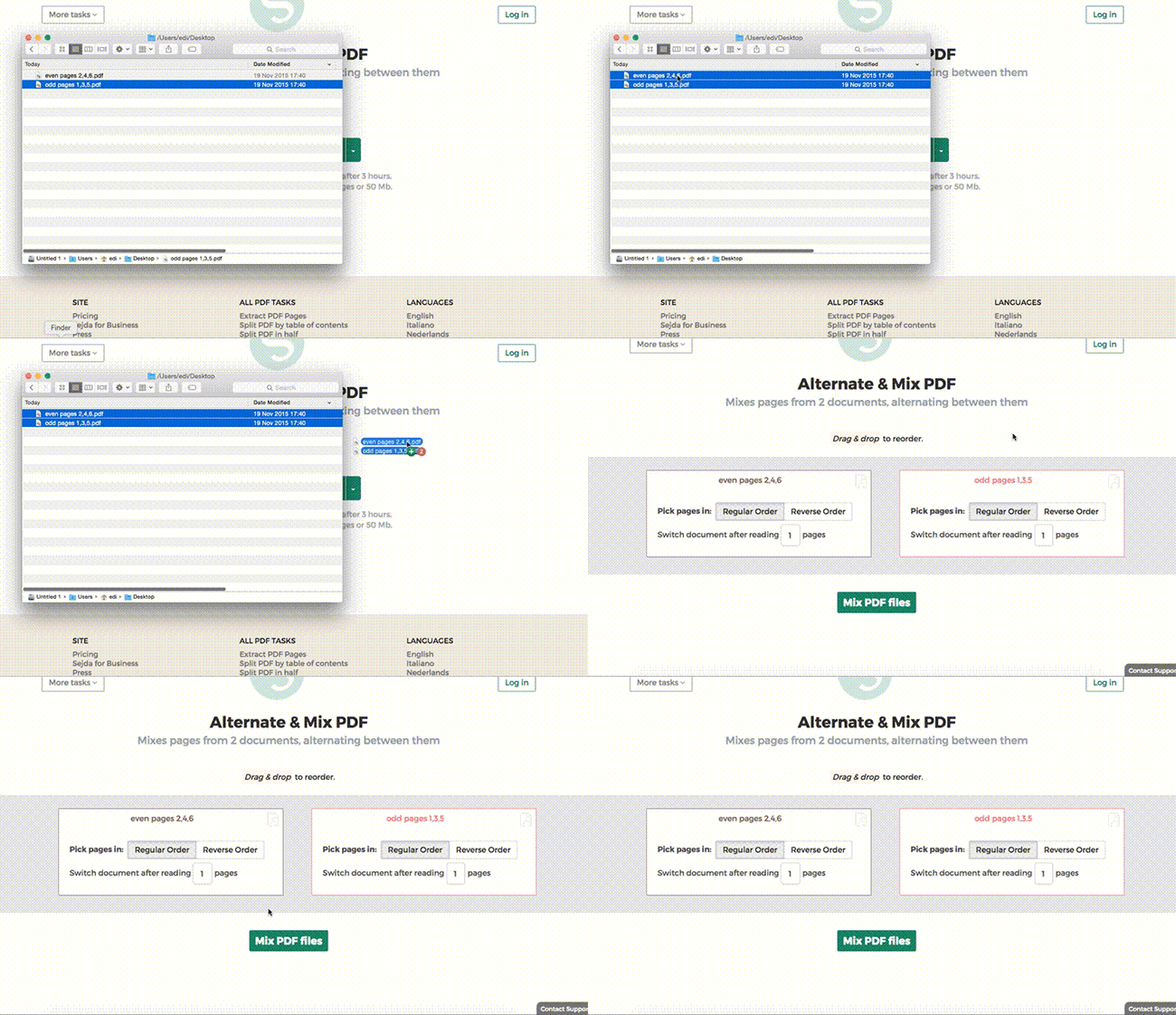
點擊“上傳”並從您的本地計算機選擇文件.
將文件拖放到頁面上也有效.
Dropbox 或 Google Drive 文件
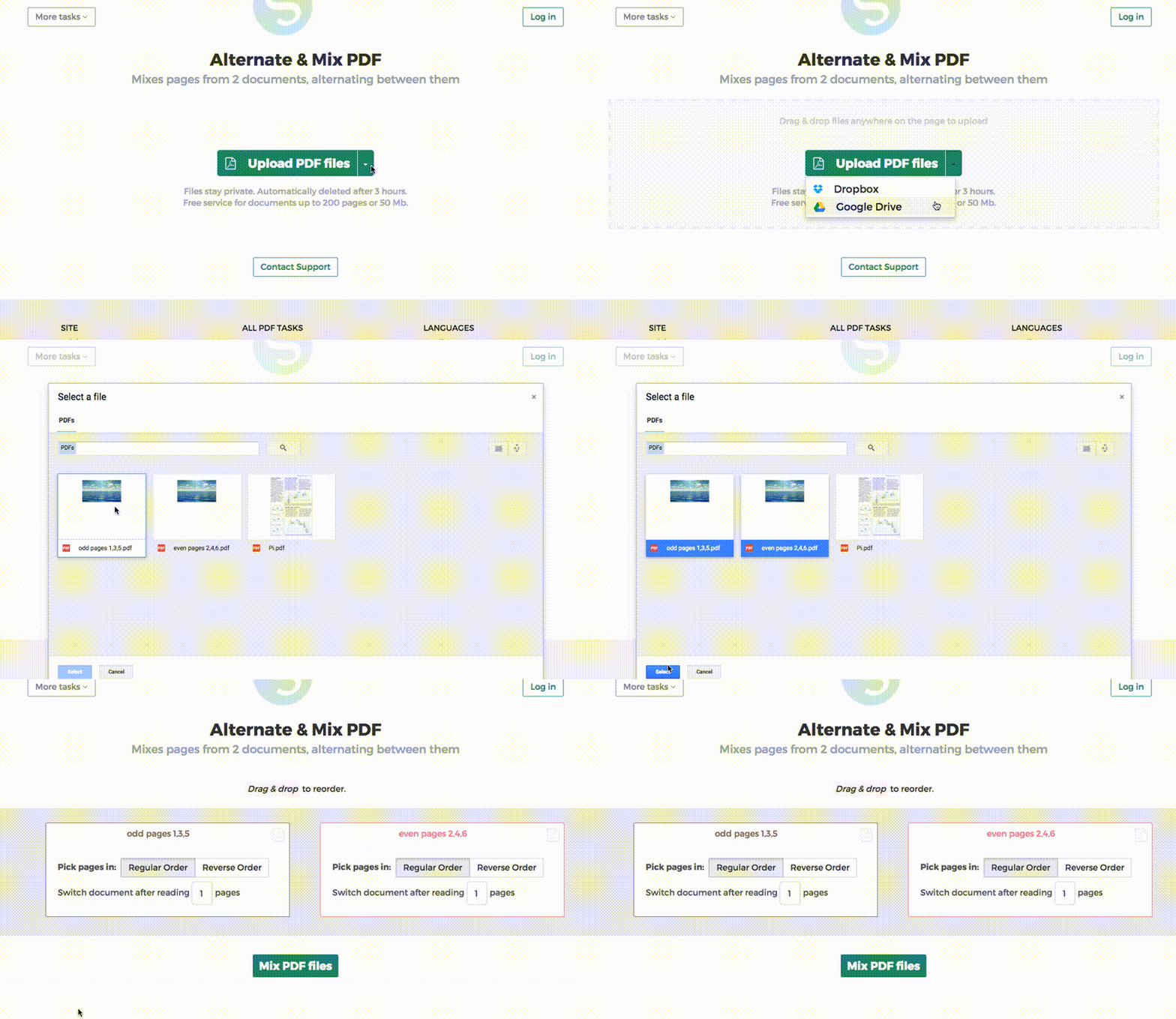
您也可以從 Dropbox 或 Google Drive 中選取 PDF 文件.
展開“上傳”下拉菜單並選擇您的文件.
Step 2:排序頁面
最常見的情況是從自動進紙掃描器取得兩組檔案:偶數頁 PDF 和奇數頁 PDF. 要合併它們,只需點擊 Alternate & Mix 按鈕.
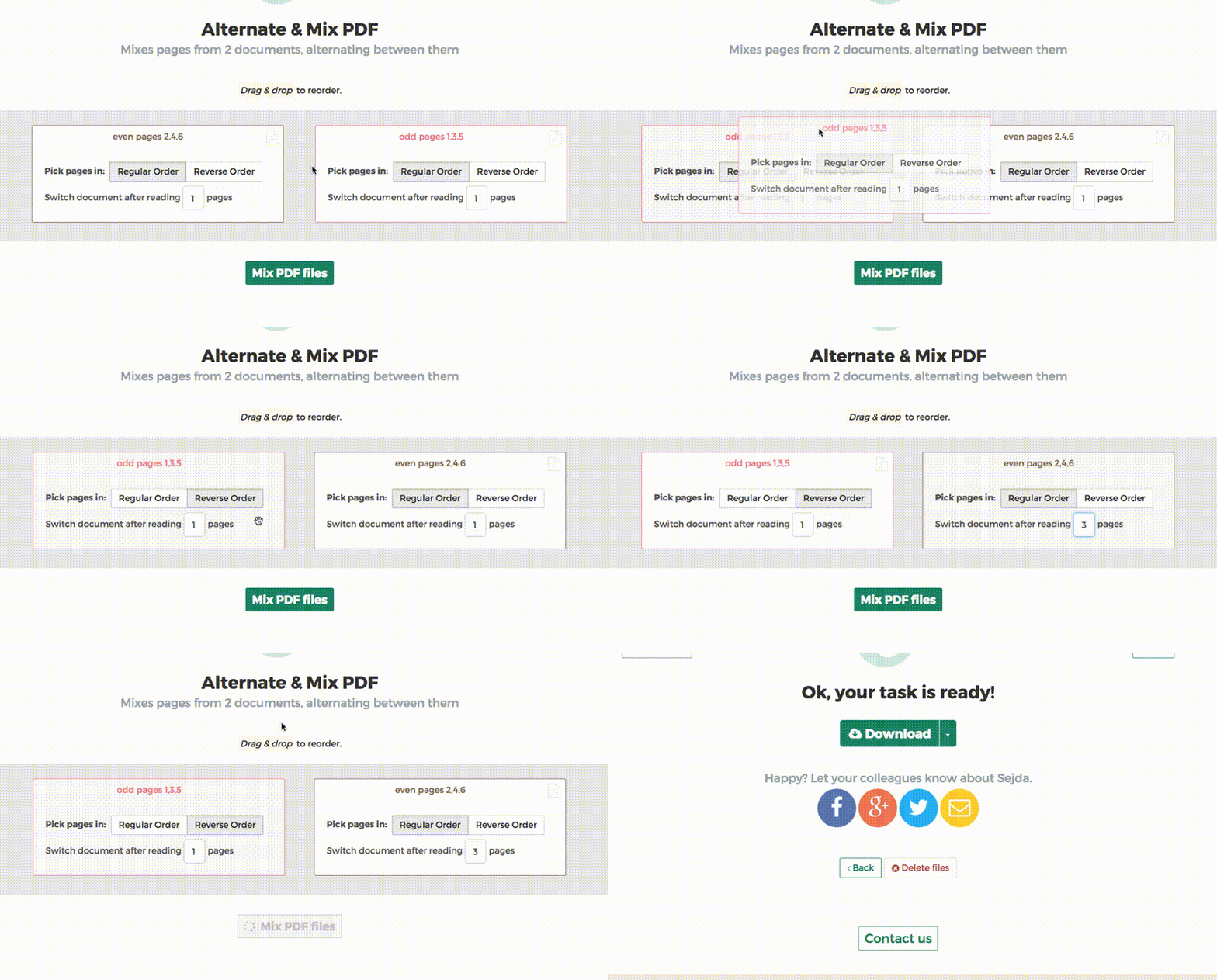
如果檔案沒有以正確順序 Upload,請拖放來切換它們. 奇數頁 PDF 檔案應在左側,偶數頁 PDF 檔案應在右側.
Tip:整理反向的偶數頁
如果偶數頁是以反向順序(10、8、6、4、2 等)掃描的,你應該選擇「Pick pages in: Reverse Order」選項. 結果會以正確的順序排列頁面:1、2、3、4 等.
Tip:使用不同的步數來交替
交替時,預設會從每份文件選取 1 頁. 需要使用不同的步數來交替嗎?
例如:left.pdf 的頁面應插入到 right.pdf 每 3 頁之間. 在這種情況下,請將右側檔案的「Switch document after reading」值更改為 3.