Google Drive
 OneDrive
Below we show how to combine an even pages file and an odd pages file into one PDF, achieving proper order.
Upload твої файли
Файли безпечно проходять Upload через зашифроване з'єднання. Файли залишаються в безпеці. Після обробки вони видаляються назавжди.
Не хочеш робити Upload файлів і бажаєш працювати офлайн?
Try Sejda Desktop. Ті самі функції, що й в онлайн-сервісі, а файли ніколи не залишають твій комп'ютер.
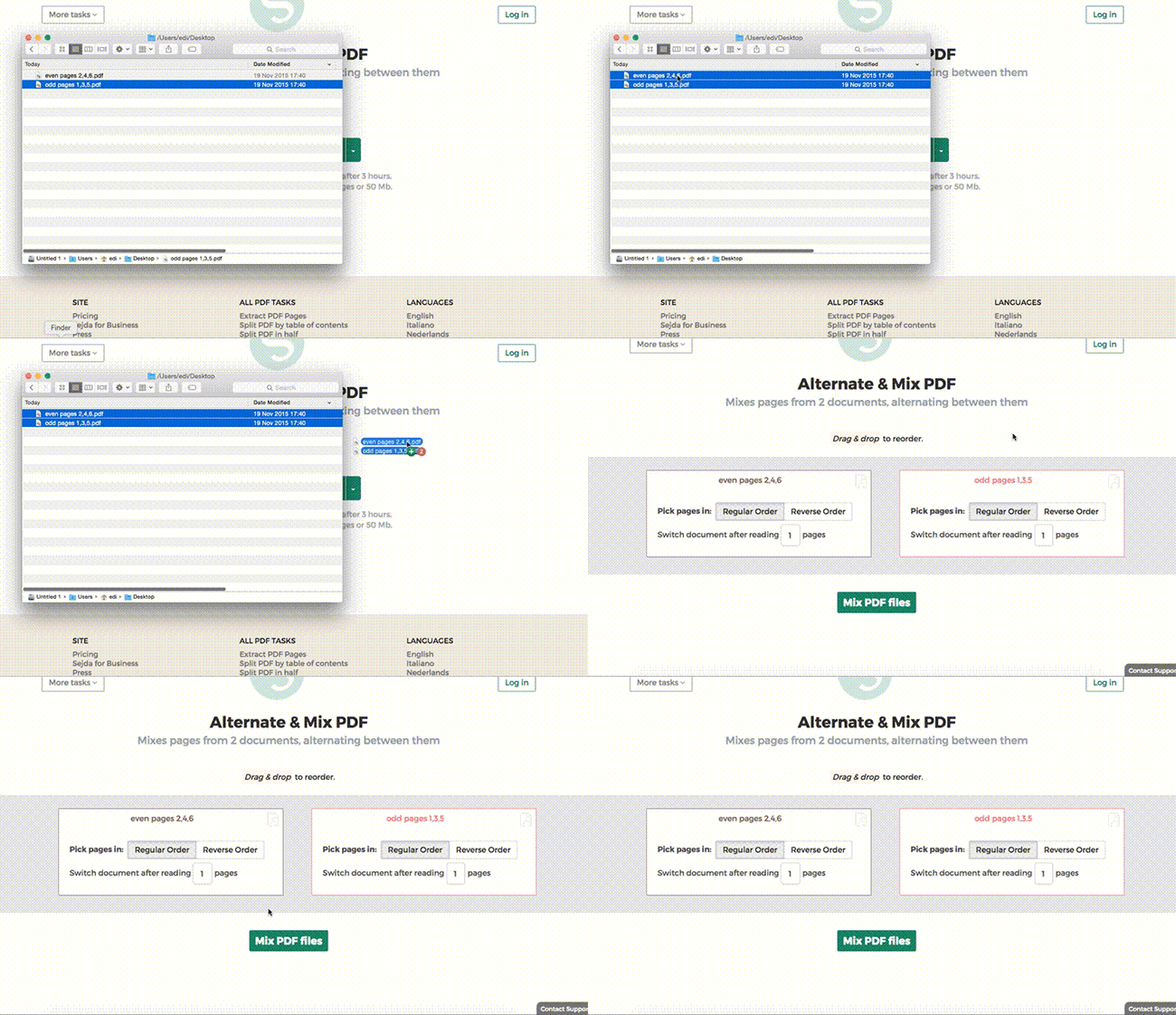
Натисни 'Upload' і вибери файли зі свого комп'ютера.
Перетягування файлів на сторінку також працює.
Файли Dropbox або Google Drive
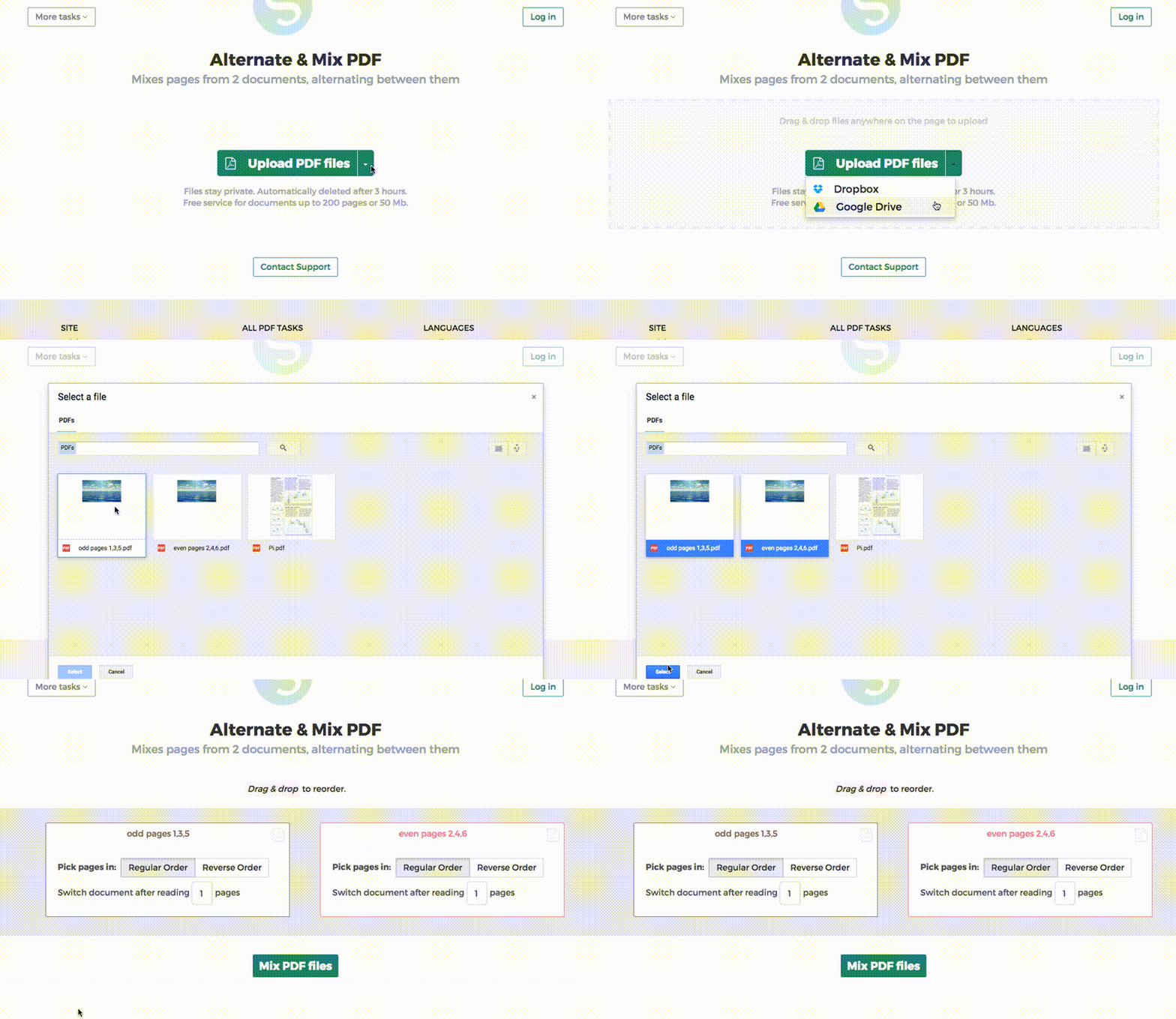
Ти також можеш вибрати PDF-файли з Dropbox або Google Drive.
Розгорни список 'Upload' і вибери свої файли.
Крок 2: Ordering pages
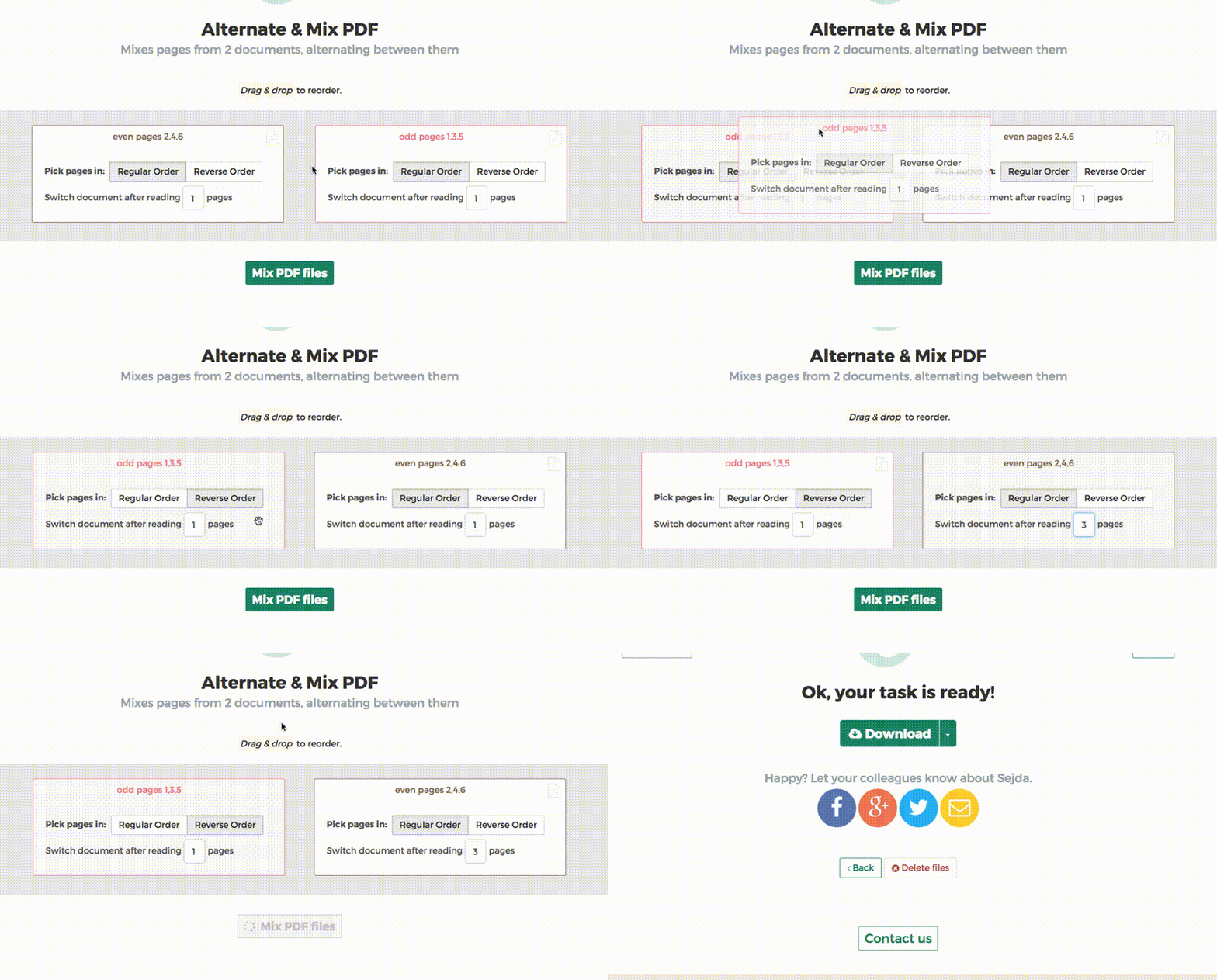
Найпоширеніший сценарій — наявність двох наборів файлів, PDF з парними сторінками та PDF з непарними сторінками, зі сканера з автоподачею. Щоб поєднати їх, просто натисніть кнопку Alternate & Mix.
Якщо файли були Upload не в тому порядку, перетягніть їх, щоб поміняти місцями. Файл PDF з непарними сторінками має бути ліворуч, а PDF з парними сторінками — праворуч.
Порада: Collate зворотних парних сторінок
Якщо парні сторінки були відскановані у зворотному порядку (10, 8, 6, 4, 2 тощо), виберіть опцію "Pick pages in: Reverse Order". Результат матиме сторінки у правильному порядку: 1, 2, 3, 4 тощо.
Порада: Чергування з іншим кроком
За замовчуванням при чергуванні вибирається 1 сторінка з кожного документа. Потрібно чергувати з іншим кроком?
Наприклад: сторінки з left.pdf мають бути вставлені між кожними 3 сторінками з right.pdf. У такому разі змініть значення "Switch document after reading" на 3 для правого файлу.