Google Drive
 OneDrive
我們在下方說明如何讓 PDF 表單或整個頁面無法編輯.
上傳您的文件
文件通過加密連接安全上傳. 文件保持安全. 處理後,它們將被永久刪除.
不想上傳您的文件並離線處理它們?
Try Sejda Desktop. 與在線服務功能相同,且文件永遠不會離開您的計算機.
點擊“上傳”並從您的本地計算機選擇文件. 你可以一次 Upload 多個 PDF 檔案進行批量 flatten. 你也可以使用 Upload 下拉選單直接從 Google Drive、Dropbox 或 OneDrive 匯入檔案.
選項 2:讓可填寫的 PDF 表單欄位無法編輯
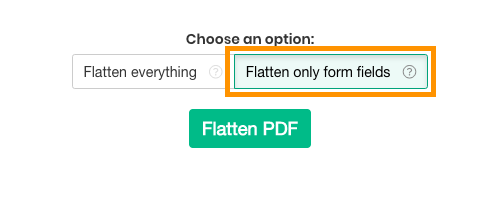
如果您想將可填寫的 PDF 轉換為唯讀版本,以便現有的字段不再能被更改,請選擇此選項. 僅影響表格字段.
這也會永久嵌入數位簽名、印章及註解(如留言和螢光筆),使它們成為文件的一部分,無法再被移除或修改.
選項 3:將整個 PDF 頁面 flatten 為圖片
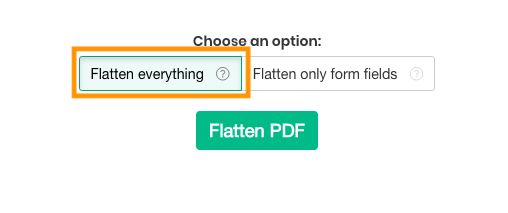
如果您想將 PDF 頁面轉換為不可編輯的版本,請選擇此選項. 每一頁都會被轉換為圖片,因此無法直接複製或修改文字.
這會一步到位地鎖定頁面上所有內容(包括文字、圖片、表單欄位和註解),當你想防止文字被擷取或文件被進一步編輯時非常有用.
你可以透過選擇解析度來控制輸出品質:75 dpi 檔案最小,100 dpi 兼顧品質與大小,150 dpi 適合一般分享和封存,220 dpi 高品質適合列印.