Google Drive
 OneDrive
Below we show how to add whitespace padding to PDF documents online.
Upload את הקבצים שלך
הקבצים מועלים בבטחה (Upload) דרך חיבור מוצפן. הקבצים נשארים מאובטחים. לאחר העיבוד, הם נמחקים לצמיתות.
מעדיף לא לבצע Upload ולעבוד אופליין?
Try Sejda Desktop. אותן תכונות כמו בשירות האונליין, והקבצים לא עוזבים את המחשב שלך.
לחץ על 'Upload' ובחר קבצים מהמחשב שלך.
אפשר גם לגרור ולהשליך קבצים לדף.
קבצי Dropbox או Google Drive
ניתן לבחור קבצי PDF גם מ-Dropbox או Google Drive.
פתח את תפריט ה-'Upload' ובחר את הקבצים שלך.
Step 2: Margin size
Type a value for the page size, in inch. Use the up/down arrows to change.
The page preview will update, showing the margin added to the PDF pages.
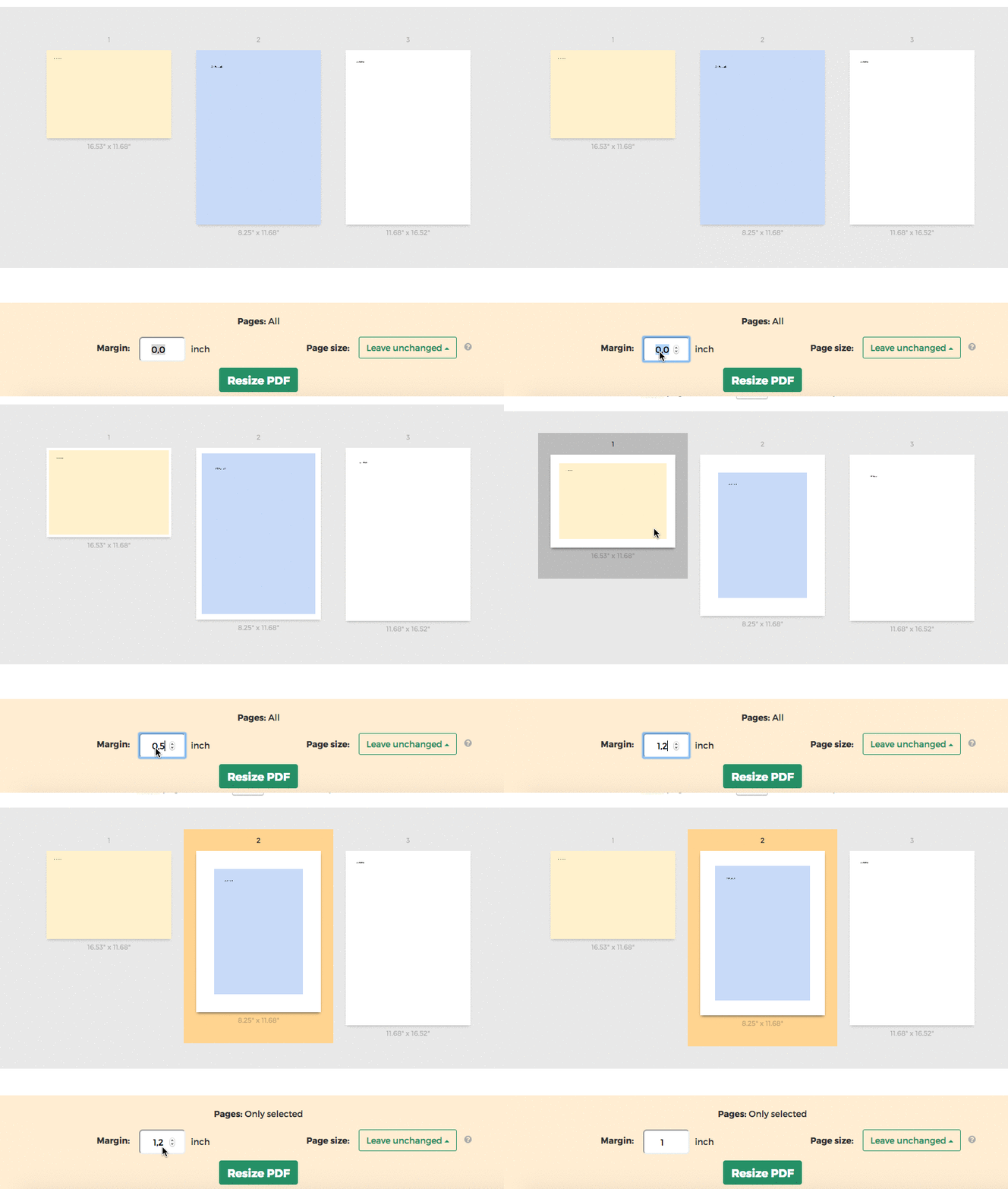
Tip: Apply to all pages in the document or just a few
You can specify only few pages that need the margin. Click on the page thumbnails to select them.