Google Drive
 OneDrive
Below we show how to add whitespace padding to PDF documents online.
ファイルをUpload
ファイルは暗号化接続で安全にUploadされます. ファイルは安全に保護されます. 処理後、ファイルは完全に削除されます.
ファイルをUploadせず、オフラインで作業したいですか?
Try Sejda Desktop. オンライン版と同じ機能で、ファイルがPCから出ることはありません.
'Upload'をクリックしてPCからファイルを選択.
ファイルをページにドラッグ&ドロップしてもOKです.
Dropbox または Google Drive のファイル
Dropbox や Google Drive からも PDF を選択できます.
'Upload'のドロップダウンを開いてファイルを選択してください.
Step 2: Margin size
Type a value for the page size, in inch. Use the up/down arrows to change.
The page preview will update, showing the margin added to the PDF pages.
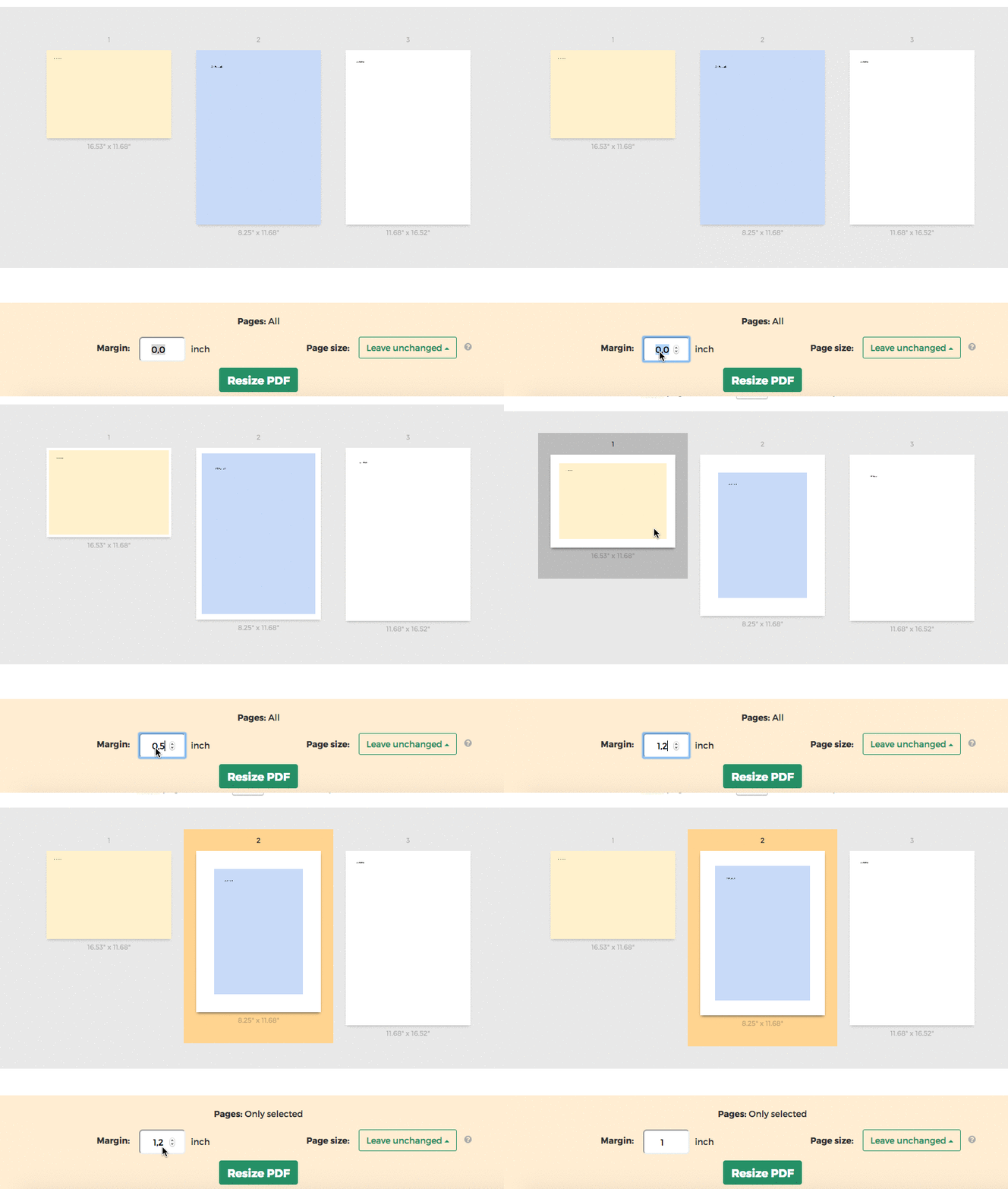
Tip: Apply to all pages in the document or just a few
You can specify only few pages that need the margin. Click on the page thumbnails to select them.