Google Drive
 OneDrive
Below we show how to make PDF forms or whole pages uneditable.
Upload your files
Files are safely uploaded over an encrypted connection. Files stay secure. After processing, they are permanently deleted.
Rather not upload your files and work with them offline?
Try Sejda Desktop. Same features as the online service, and the files never leave your computer.
Click 'Upload' and select files from your local computer. You can upload multiple PDF files at once to flatten them in batch. You can also import files directly from Google Drive, Dropbox, or OneDrive using the upload dropdown.
Option 2: Make fillable PDF form fields un-editable
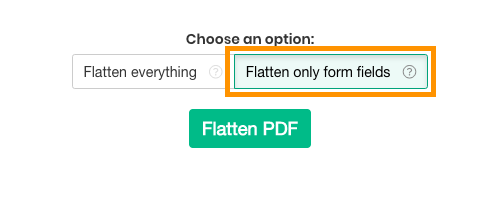
Choose this option if you want to turn a fillable PDF into a read-only version, so existing fields cannot be changed anymore. Affects only form fields.
This also permanently embeds digital signatures, stamps, and annotations such as comments and highlights, so they become part of the document and can no longer be removed or modified.
Option 3: Flatten whole PDF page as an image
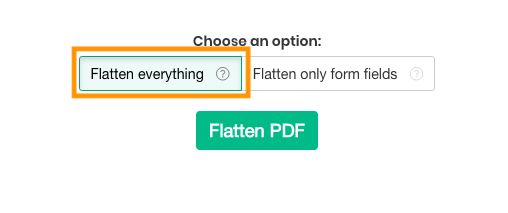
Choose this option if you want to convert PDF pages into un-editable versions. Each page will be converted to an image, so text cannot be copied or modified directly.
This locks all content on the page including text, images, form fields, and annotations in a single step, and is useful when you want to prevent text from being extracted or the document from being further edited.
You can control the output quality by selecting a resolution: 75 dpi for the smallest file size, 100 dpi for a balance of quality and size, 150 dpi for general sharing and archiving, or 220 dpi for high quality suitable for printing.